
How to Run AI Models Locally in Your Browser (No Cloud Required)
Learn how modern AI models run entirely inside your browser using WebGPU and WebAssembly. Discover the benefits of local AI and how CodAI brings offline coding assistance even to low-end PCs.
Table of Contents
- Quick Overview
- How Browser-Based AI Works
- Technologies That Make It Possible
- WebGPU
- WebAssembly (WASM)
- ONNX Runtime Web
- Benefits of Running AI Locally
- Complete Privacy
- No API Costs
- Offline Development
- Lower Latency
- Which AI Models Can Run in a Browser?
- Challenges of Browser AI
- Initial Download
- Hardware Limits
- Browser Performance
- Meet CodAI: Free Offline Coding Assistant for Low-End PCs
- Why CodAI?
- Browser AI vs Desktop AI
- FAQs
- Can AI really run inside a browser?
- Does browser AI require an internet connection?
- Is browser AI private?
- Can I run AI on a 2GB RAM laptop?
- Is browser AI faster than cloud AI?
- Final Thoughts
Cloud AI is convenient until you lose your internet connection, hit API rate limits, or need to work with confidential code.
Modern browsers can now run surprisingly capable AI models locally using WebGPU, WebAssembly (WASM), and optimized inference engines. That means your prompts, source code, and documents never have to leave your device.
Even better, if you’re a developer with an older laptop, you don’t necessarily need a high-end GPU. Lightweight coding models can now run on machines with as little as 2GB RAM, making offline AI more accessible than ever.
Quick Overview
| Cloud AI | Local Browser AI |
|---|---|
| Requires Internet | ✅ No (after model download) |
| API Costs | ❌ None |
| Privacy | Data stays on your device |
| Latency | No network delay |
| Offline Support | ✅ Yes |
| Best For | Privacy-first apps, coding, learning, offline tools |
How Browser-Based AI Works
Instead of sending your prompt to a remote server, the browser downloads a model once and performs inference locally.
The process looks like this:
User Prompt

↓

Browser

↓

WebGPU / WebAssembly

↓

Local AI Model

↓

Response
Nothing is transmitted to a cloud service unless the application is explicitly designed to do so.
Modern frameworks such as Transformers.js and WebLLM use WebGPU to accelerate inference directly inside Chrome, Edge, Safari, and other supported browsers. After the model is downloaded and cached, many applications can continue working offline.
Technologies That Make It Possible
WebGPU
WebGPU gives browsers direct access to GPU acceleration. The MDN WebGPU reference covers the API in detail.
Instead of running neural networks entirely on the CPU, browsers can execute matrix operations on modern graphics hardware, dramatically improving inference speed. Supported browsers now enable WebGPU by default on recent versions of Chrome, Edge, and Safari.
WebAssembly (WASM)
Not every device has a capable GPU.
WebAssembly allows AI runtimes to execute optimized native-like code inside the browser, making CPU inference possible on older hardware. See MDN’s WebAssembly documentation for how the binary format works.
ONNX Runtime Web
Many browser AI applications use ONNX Runtime Web to load optimized neural networks and execute them efficiently with either WebGPU or WASM backends.
Benefits of Running AI Locally
Complete Privacy
Your prompts remain on your device.
This is especially important when working with:
- Proprietary source code
- Company documents
- Customer information
- Research data
No API Costs
Cloud inference charges can quickly become expensive.
Running AI locally eliminates recurring API fees after downloading the model.
Offline Development
Once the model is cached, many browser-based AI applications continue working without an internet connection.
Lower Latency
Responses don’t wait for network requests.
Everything happens directly on your machine.
Which AI Models Can Run in a Browser?
Smaller language models are currently the best fit for browser inference.
Popular examples include:
- Qwen 2.5 Coder
- DeepSeek-R1 Distill
- Llama 3.2 1B
- Gemma
- Phi
- SmolLM
Most browser AI applications choose smaller quantized models because they provide a good balance between speed and memory usage.
Challenges of Browser AI
Running AI locally isn’t magic.
There are still trade-offs.
Initial Download
Models must be downloaded before they can run.
Depending on the model size, this may range from a few hundred megabytes to several gigabytes.
Hardware Limits
Larger models still require more RAM and GPU memory.
While browsers are becoming more efficient, an 8B model remains much more demanding than a 1B model.
Browser Performance
Native applications like llama.cpp or Ollama generally achieve higher performance because they have direct access to system resources.
Browser-based AI prioritizes convenience, portability, and privacy over maximum speed.
Meet CodAI: Free Offline Coding Assistant for Low-End PCs
Most local AI tools assume you own a gaming laptop with plenty of RAM.
CodAI was built with a different goal:
Run useful coding models on everyday laptops—even machines with just 2GB RAM.
Unlike many desktop AI assistants that require dedicated GPUs or large memory footprints, CodAI focuses on lightweight, developer-friendly models optimized for offline coding assistance.
Why CodAI?
- ✅ 100% Free
- ✅ Open Source
- ✅ Works Offline
- ✅ No API Keys
- ✅ No Code Telemetry
- ✅ Privacy First
- ✅ Runs on Windows
- ✅ Supports systems with 2GB–8GB RAM
CodAI includes optimized open-source models such as:
- Qwen2.5-Coder (0.5B & 1.5B) for fast code completion
- DeepSeek-R1-Distill for reasoning and debugging
- Llama 3.2 for explanations and documentation
Everything runs locally, so your source code never leaves your computer. This makes CodAI especially useful for students, developers working under NDAs, and organizations with strict privacy requirements.
If you’re looking for an offline alternative to cloud coding assistants, you can Download CodAI Offline and start coding without subscriptions or API costs.
Browser AI vs Desktop AI
| Feature | Browser AI | CodAI Desktop |
|---|---|---|
| Installation | None | Simple installer |
| Works Offline | After model download | Yes |
| Internet Required | Initial download only | No |
| Code Privacy | High | Highest |
| Best For | Quick tasks | Daily software development |
| Supports Low-End PCs | Limited | ✅ Designed for 2GB–8GB RAM |
FAQs
Can AI really run inside a browser?
Yes. Modern browsers support WebGPU and WebAssembly, allowing optimized language models to run entirely on your device.
Does browser AI require an internet connection?
Only for the initial model download. After caching, many browser-based AI applications can continue working offline.
Is browser AI private?
If the application performs local inference, your prompts remain on your device. Always verify whether a tool uses local inference or cloud APIs.
Can I run AI on a 2GB RAM laptop?
Large language models will struggle, but lightweight coding models are becoming increasingly practical. CodAI is specifically designed to support systems with 2GB–8GB RAM, making offline AI accessible to older hardware.
Is browser AI faster than cloud AI?
For small models, browser AI can feel very responsive because there’s no network latency. However, cloud services still have an advantage for running larger, more capable models.
Final Thoughts
Running AI locally is no longer limited to expensive workstations.
Thanks to WebGPU, WebAssembly, and optimized open-source models, browsers can now execute useful AI workloads while keeping your data private and reducing dependence on cloud services.
If you want quick, browser-based AI, modern WebGPU-powered applications are an excellent choice.
If you’re a developer who needs an offline coding assistant that works even on older hardware, CodAI offers a practical alternative. With support for lightweight coding models, no internet dependency, and compatibility with systems starting at 2GB RAM, it makes private AI coding assistance available to far more developers than traditional GPU-heavy solutions.
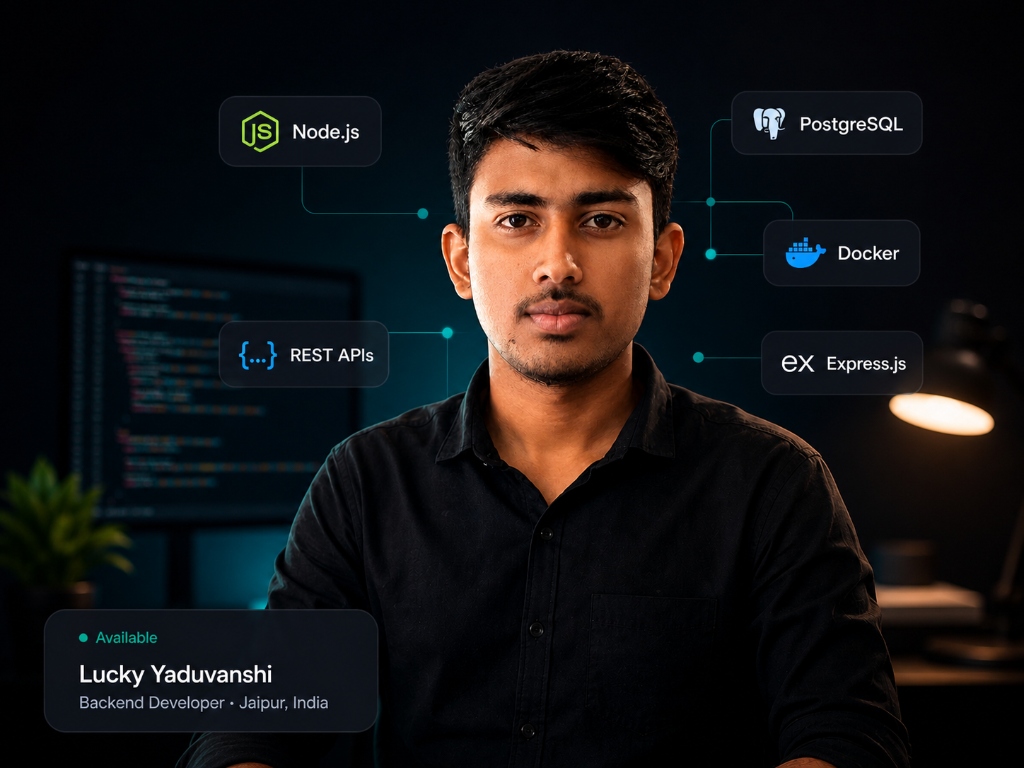
Lucky Yaduvanshi
Computer Science Student & Creator of CodAI. Passionate about 100% offline local AI software tools.