CodAI is a free AI coding assistant that runs entirely on your hardware.
Local GGUF models served by llama.cpp, a desktop app, and zero network calls. Completion, chat, and code explanation work with the internet unplugged — on a laptop, a lab PC, or a machine that will never be allowed near a cloud API.
CodAI was awarded Product of the Day, Product of the Week (Developer Tools), and Product of the Month (Open Source). Free, local, and audited.
GPL-3.0 Licensed
Publicly auditable, free for everyone
Zero Telemetry
No trackers, no data sent to third parties
Always Free
No credit card, no artificial paywalls
Three steps, no network.
1.0
Download the portable build.
One portable Windows zip. No installer, no account — unzip on any writable drive, including a USB stick for lab machines.
2.0
Load a GGUF model.
Any GGUF works — drop it into models\. The default pick, gemma-3-1b-it (0.81 GB), runs on 2 GB-RAM machines via the bundled llama-server engine.
3.0
Code offline.
Completion, chat, and explanation run against 127.0.0.1. Pull the network cable mid-session — nothing changes, because nothing was talking to the internet in the first place.
Models: pick by RAM, not by hype.
Any quantized GGUF works with the bundled llama-server engine. Start with the default and size up as your RAM allows — every model here runs on CPU, no GPU.
Model
Best at
RAM
gemma-3-1b-it
Default. Ships as the recommended first model
~0.8 GB
Qwen2.5-Coder
Code completion & review
1–2 GB class
Llama-3.2-1B
General chat & Q&A
~1 GB class
DeepSeek-R1-Distill
Step-by-step reasoning
1–2 GB class
Local vs cloud, row by row.
Aspect
CodAI
Cloud assistants
Where inference runs
Your CPU, on your machine
Vendor datacenter
Source code transmitted
None
Every request
Account / API key
Not required
Required
Works without internet
Yes
No
License
GPL-3.0, inspect it all
Proprietary terms
Who it’s for.
Students in locked-down labs
University machines block installs and cloud sign-ins. CodAI runs portable from USB and needs no network at all.
Privacy-conscious teams
Proprietary logic never leaves the building. No prompt logs on someone else’s server, because there is no other server.
Offline & field work
Planes, ships, remote sites, metered connections. The assistant is fully functional at zero bandwidth.
Older hardware
The default model runs on 2 GB-RAM machines; 4 GB covers the 1–2 GB class. No GPU, no subscription, no minimum spec beyond a 64-bit OS.
Straight answers.
Is CodAI really free?
Yes — GPL-3.0, no subscription, no trial sign-up, no credit card. The full source is on GitHub; build it yourself if you prefer.
How private is it, actually?
The model runs on your hardware via the bundled llama-server engine. Your code is never transmitted: no telemetry, no crash reporting, no accounts. Audit the source to verify.
Which local models does CodAI support?
Any compatible GGUF works — drop it into the models folder. The recommended default is gemma-3-1b-it (0.81 GB); Qwen2.5-Coder, Llama-3.2, and DeepSeek-R1-Distill are solid next steps as RAM allows.
Will it run on my machine?
On Windows, yes if you have 4 GB of RAM (the default model runs in 2 GB). A GPU helps but is not required — the engine is CPU-first. macOS and Linux users can build from source.
Latest guides
Local AI, WebGPU, authentication, and privacy engineering — written on this machine.
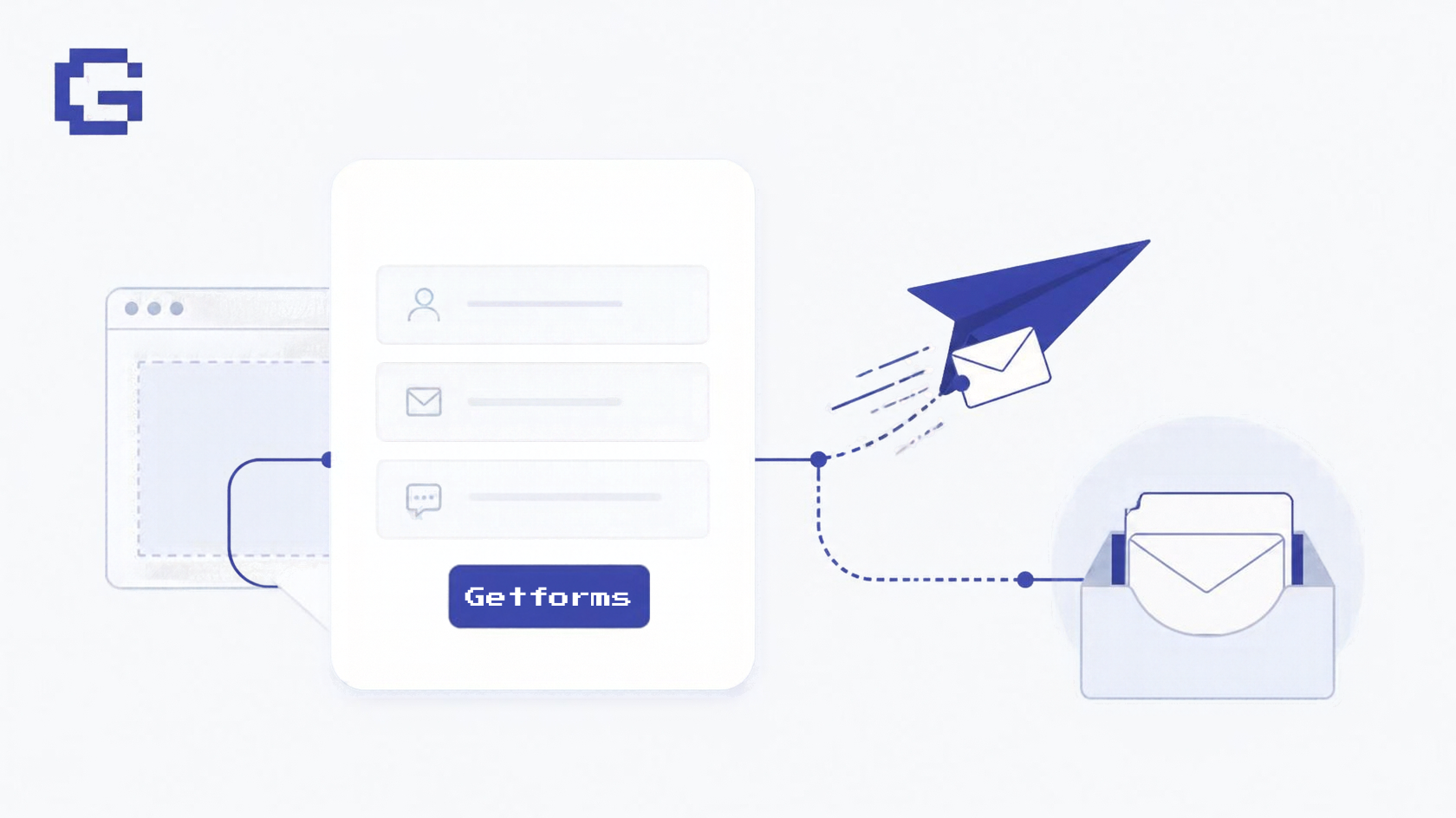
GetForms launches as a free, open-source form backend with unlimited forms, silent spam filtering, 25 MB uploads, and multi-channel alerts. Tested against Formspree, Formcarry, Basin, and FormBee with current pricing.
Is Qoder safe? Qoder says it does not store code-completion context, but its privacy policy lets certain User Content be processed and retained for up to 5 years.
Compare API Keys and JWTs, understand their security differences, use cases, advantages, and learn when each authentication method is the right choice.
Learn the difference between Base64 encoding and encryption, why Base64 offers zero security, common developer mistakes, and when to use each correctly.